Free AI Age Filter Online
Free AI Age Filter helps you see how your face may look at different ages with realistic results.
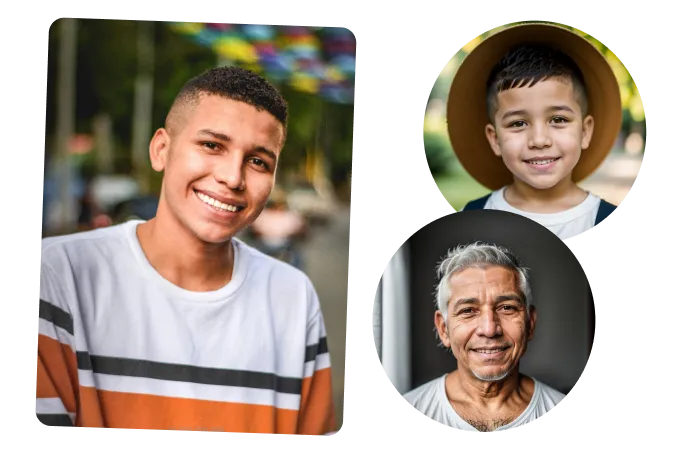
Examples
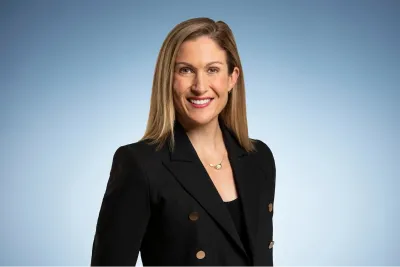
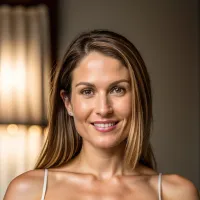
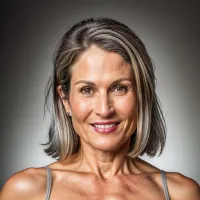
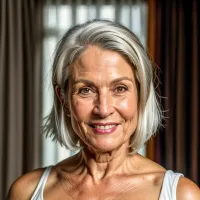
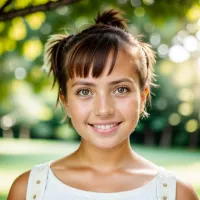
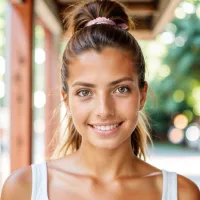
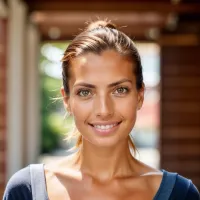
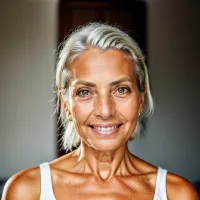
See Yourself at a Different Age with Our AI Age Changer.
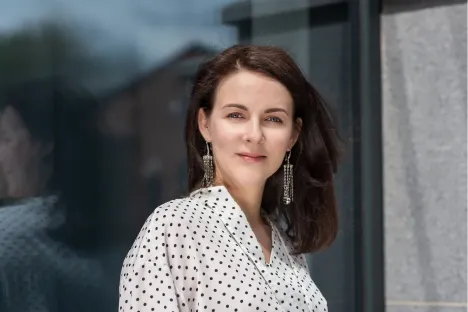

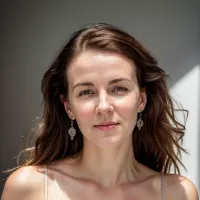
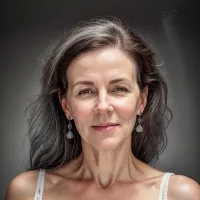
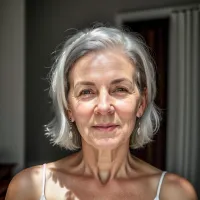


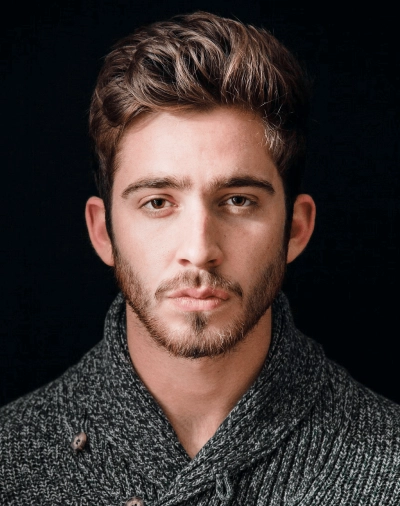




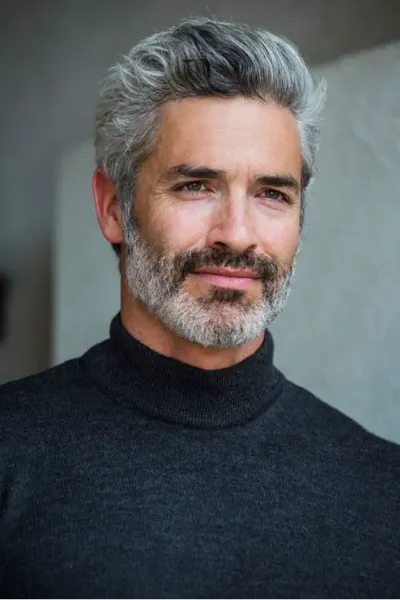






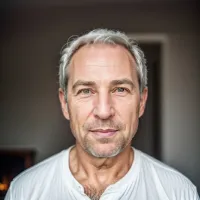
How to See Yourself as Young or Old?
Upload Your Photo
Upload a clear face image with proper lighting and a front-facing angle. AI will automatically detect your facial features to ensure accurate and realistic age progression results.
Select Age Style
Choose your preferred age style such as Baby, Teenage, Adult, or Old. AI will apply aging or de-aging effects to increase or reduce age in the photo based on your selection.
Download & Share
Once the AI age progression is complete, preview your edited image and download it instantly. You can also share your aged or younger version on social media platforms with friends and family.
Key Features of AI Age Filter
Realistic Face Transformation
AI age progression analyzes your facial structure and naturally applies aging or de-aging effects to create realistic older or younger versions of your photo without over-editing.
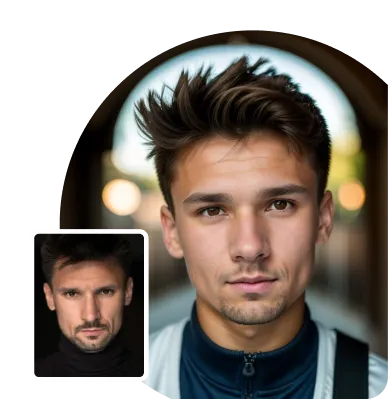
Preview Younger & Older Versions
Use the face age changer to instantly see how you may look at different life stages by increasing or reducing age in your photo with smooth transitions.
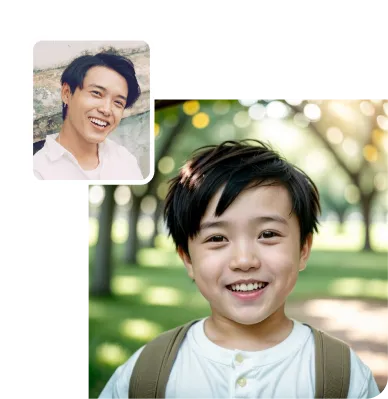
Face Identity Consistency
AI maintains your original facial identity while applying age changes, ensuring your edited image still looks like you and not an artificial version.
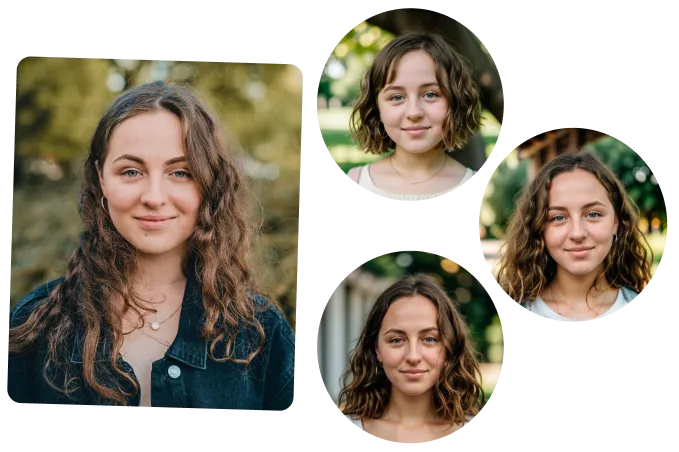
Accurate Facial Detail Enhancement
AI age filter adjust skin texture, facial lines, and fine details to deliver natural-looking age changes with realistic lighting and balance.
Use Cases of AI Age Filter
Social Media Content
- •Create fun older or younger versions of your photos
- •Share age progression results on social media
- •Make engaging and creative posts easily
Entertainment & Fun Edits
- •See how you may look in the future
- •Try different age looks for fun
- •Use the age changer online for creative edits
Personal Photo Retouching
- •Reduce age in photo for a younger appearance
- •Increase age in photo naturally
- •Improve your look with realistic age changes
Professional Projects
- •Use AI age progression for creative content
- •Enhance digital or marketing visuals
- •Create realistic age-based face edits